
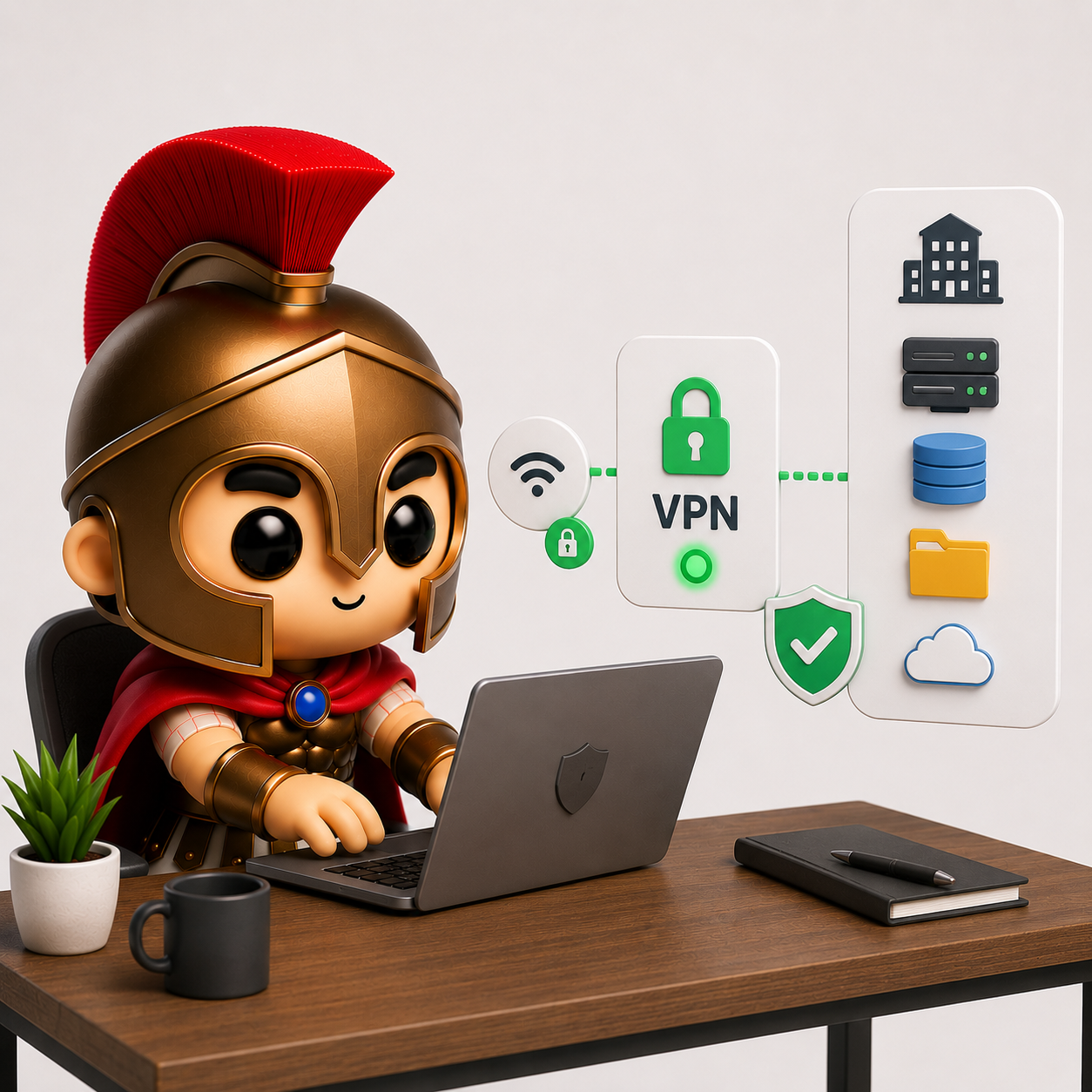
Setting Up a Secure VPN for Remote Workers
Remote working has become a normal part of business life. Whether employees are working from home, travelling between client sites, or connecting from temporary locations, secure access to company systems is more important than ever.
While remote working offers flexibility and productivity benefits, it also introduces security risks that businesses cannot afford to ignore.
One of the most effective ways to protect remote connections is through the use of a Virtual Private Network (VPN).
If your team accesses company files, emails, applications, or servers remotely, a properly configured VPN should be an important part of your cyber security strategy.
What Is a VPN?
A VPN (Virtual Private Network) creates an encrypted connection between a user’s device and a trusted network.
Think of it as a secure tunnel that protects data as it travels across the internet.
Without a VPN, information sent between a remote worker and company systems may be more vulnerable to interception, especially when using public or unsecured networks.
With a VPN in place:
- Data is encrypted during transmission
- Company resources can be accessed securely
- Remote users appear as trusted network users
- Sensitive information is better protected
For businesses handling customer data, financial information, or confidential documents, this added security is invaluable.
Why Remote Workers Need a VPN
Many people assume that working from home is automatically secure because they use their own broadband connection.
Unfortunately, that isn’t always the case.
Remote workers often:
- Use personal devices
- Connect through poorly configured home networks
- Access company systems from cafés, hotels, or public Wi-Fi
- Share networks with smart home devices
- Work outside normal office security controls
Each of these factors can increase the risk of cyber attacks.
A VPN helps reduce these risks by ensuring data remains encrypted between the user and the business network.
The Risks of Not Using a VPN
Unsecured Public Wi-Fi
Public Wi-Fi networks are convenient but can be risky.
Attackers may create fake Wi-Fi hotspots that appear legitimate or attempt to intercept traffic on unsecured networks.
Without a VPN, users may unknowingly expose sensitive information.
Data Interception
Cybercriminals constantly look for opportunities to capture login credentials, emails, financial information, and customer data.
Encryption provided by a VPN makes intercepted traffic significantly harder to exploit.
Unauthorised Access
If remote workers connect directly to company systems without proper security controls, attackers may have an easier path into the network.
VPNs help create a more controlled and secure access point.
Compliance Concerns
Businesses that handle sensitive customer information have a responsibility to protect it.
Failing to secure remote connections could increase the risk of data breaches and regulatory issues.
How a Business VPN Works
When a remote employee connects using a VPN:
- The VPN client establishes a secure connection.
- User identity is verified.
- All data is encrypted.
- Traffic passes through the secure VPN tunnel.
- Company resources can be accessed safely.
To the employee, the process is usually simple and takes only a few seconds.
Behind the scenes, however, multiple layers of security are helping protect business data.
Different Types of VPNs
Remote Access VPN
This is the most common option for small businesses.
Individual users connect securely to company resources from their laptops, desktops, or mobile devices.
Ideal for:
- Home workers
- Hybrid staff
- Mobile employees
- Business travellers
Site-to-Site VPN
A site-to-site VPN connects entire networks together.
This is often used when businesses have:
- Multiple office locations
- Warehouses
- Branch offices
- Separate facilities
Rather than connecting individual users, the VPN links networks securely.
Cloud-Based VPN Solutions
Many modern businesses rely on cloud services rather than traditional office servers.
Cloud-based VPN solutions can provide secure access to cloud resources while offering easier management and scalability.
Essential Security Features
Not all VPN solutions provide the same level of protection.
When setting up a business VPN, consider the following:
Multi-Factor Authentication (MFA)
Passwords alone are no longer enough.
Combining VPN access with MFA adds an important additional layer of protection.
Even if a password is compromised, attackers still need the second verification factor.
Device Security Checks
Some advanced VPN solutions verify that devices meet security requirements before granting access.
This may include checking for:
- Antivirus software
- Operating system updates
- Device encryption
- Security policies
Access Controls
Not every employee needs access to every system.
Role-based access ensures users can only access the resources required for their job.
Activity Monitoring
Monitoring VPN connections helps identify unusual behaviour that may indicate compromised accounts or attempted attacks.
Common VPN Mistakes Businesses Make
Sharing VPN Accounts
Every user should have their own unique account.
Shared credentials make it difficult to track activity and create unnecessary security risks.
Weak Passwords
A VPN is only as secure as the credentials protecting it.
Strong passwords and MFA should always be used.
Leaving Access Active for Former Employees
One of the most common oversights is failing to remove VPN access when staff leave the company.
Offboarding procedures should include immediate account reviews.
Ignoring Updates
VPN software, firewalls, and security appliances require regular updates to protect against emerging threats.
Outdated systems can create vulnerabilities that attackers may exploit.
Giving Users Too Much Access
Many businesses unintentionally provide broader access than necessary.
The principle of least privilege helps minimise risk.
VPNs and Microsoft 365
Many businesses now rely heavily on Microsoft 365 and cloud applications.
This sometimes leads to the question:
“Do we still need a VPN?”
The answer depends on how your business operates.
If employees only access cloud-based services with strong security controls, a traditional VPN may be less critical than it once was.
However, many businesses still use:
- File servers
- Accounting systems
- Industry-specific software
- Internal databases
- Network-attached storage (NAS)
- Remote desktop services
In these cases, a VPN remains an important security tool.
Building a Secure Remote Working Environment
A VPN works best when combined with other security measures.
Businesses should also implement:
- Multi-factor authentication
- Endpoint protection
- Secure backups
- Device encryption
- Regular software updates
- Security awareness training
- Strong password policies
- Access reviews
Cyber security is strongest when multiple layers work together.
Signs Your VPN Setup Needs Reviewing
It may be time to review your VPN configuration if:
- Users complain about connectivity issues
- Staff share VPN accounts
- MFA is not enabled
- Former employees still have access
- VPN software hasn’t been updated recently
- Access permissions haven’t been reviewed in years
- There is no monitoring or logging in place
A simple audit can often identify weaknesses before they become serious problems.
Final Thoughts
Remote working is here to stay, but it should never come at the expense of security.
A properly configured VPN helps protect company data, secure remote connections, and reduce the risk of cyber attacks when employees work outside the office.
For small businesses, it remains one of the most effective ways to safely connect remote workers to company systems.
At Spartan IT Systems, we help businesses design and manage secure remote working solutions, including VPN deployment, Microsoft 365 security, multi-factor authentication, endpoint protection, and ongoing IT support. If you’re unsure whether your current remote access setup is secure, we can help you assess the risks and recommend practical improvements.