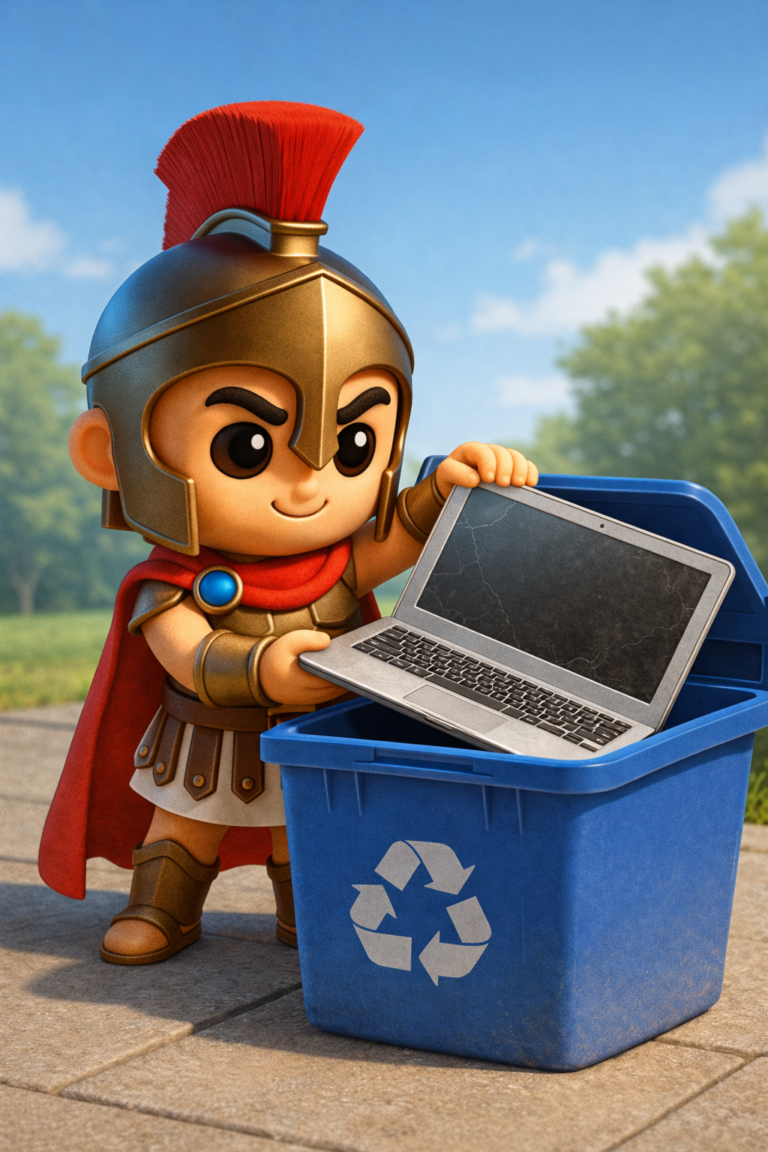

How to Safely Decommission Old Business Devices
Technology doesn’t last forever. New laptops, more efficient office technology and that old server can become redundant and difficult to support when the devices your business uses reach their end of life.
But just switching off an out-dated computer and ferrying it away to the recycling centre will just not do.
Also, non-functional equipment can contain crucial business data like customer details, financial records, stored passwords, emails or sensitive company files.
If that data ends up in the hands of people who shouldn’t have access, could be trouble.
How can I retire my old business hardware safely and protect my data?
Why Proper Device Disposal Matters
While many companies believe that a deleted file, or a formatted hard drive, erase data, that is, in fact, not true.
Unfortunately, that is not the case.
The operating system typically merely dissociates the data of the file instead of removing the data when a file is deleted. It is possible for good software to recover most of this data until its space is overwritten.
So any discarded, old laptop in a skip or one you’re selling on eBay could still contain:
- Customer databases
- Employee records
- Business contracts
- Financial information
- Saved passwords
- Emails
- Browser history
- Microsoft 365 login details
- Remote access credentials
For businesses dealing with personal or sensitive data this creates a major security concern.
Know What You’re Decommissioning
Before discarding any equipment, make a list of each item being retired.
This might include:
- Desktop computers
- Laptops
- Servers
- Network Attached Storage (NAS)
- External hard drives
- USB memory sticks
- Mobile phones
- Tablets
- Network switches
- Firewalls
- Printers with internal storage
- CCTV recorders
It is also not widely known that photocopiers and printers house internal hard drives which save scanned documents.
Back Up Anything You Need
Ensure that you have successfully transferred any critical data off a device before performing a wipe/dispose.
Ask yourself:
- Have all documents been copied?
- Are emails safely stored?
- Have browser bookmarks been exported?
- Are software licence keys recorded?
- Have accounting files been transferred?
- Have shared folders been migrated?
Once a drive has been effectively wiped, the recovery of lost data becomes very challenging-or even unfeasible.
Sign Out of Business Accounts
Devices stay connected to cloud services for a considerable time once they are no longer in operation.
Before disposal, remove access to services such as:
- Microsoft 365
- Google Workspace
- Adobe Creative Cloud
- Dropbox
- OneDrive
- Remote desktop software
- VPN software
- Password managers
This avoids compromised security and ensures minimisation of idle devices associated with the business accounts.
Remove the Device From Your Management Systems
If devices are managed using a management solution, removal of outdated equipment should be carried out from:
- Microsoft Intune
- Active Directory
- Microsoft Entra ID
- Remote monitoring systems
- Antivirus management portals
- Backup software
- Asset registers
And maintains correct IT asset records and prevents additional software licensing fees.
Securely Erase the Storage Device
This is the most crucial step.
A simple format or factory reset usually isn’t enough for business devices.
Rather, utilize enterprise data wiping techniques that continuously overwrite the recording media, or employ the secure erase function recommended by the hard drive manufacturer.
With SSDs it is best to use a manufacturer’s approved secure erase utility, with HHDs one should securely overwriting the disk before I destroy it.
Physical destruction may be the only option if the drive has failed and cannot be erased.
Remove or Destroy Faulty Drives
A computer might just stop turning on.
It does not necessarily indicate failure of the hard drive.
Equipment that cannot be securely erased-remove the drive before disposing of the equipment.
Units working with highly sensitive data may opt to physically destroy the failed disk via a certified disposal service.
Factory Reset Mobile Devices
Business smartphones and tablets often contain:
- Emails
- Contacts
- Authentication apps
- Banking apps
- Saved passwords
- Customer information
- Before recycling or selling them:
- Remove company accounts
- Disable activation locks
- Sign out of cloud services
- Perform a secure factory reset
- Remove SIM cards
- Remove memory cards
Do remember to make sure you remove access from your mobile device management platform if you have one.
Update Your Asset Register
Proper filing is equally important as disposal.
Record:
- Device serial number
- Asset number
- Disposal date
- Disposal method
- Data erasure confirmation
- Replacement device (if applicable)
This gives a clear audit trail and should ease future IT management greatly.
Choose a Reputable Recycling Company
There are valuable elements in e-waste that can be recycled.
- Look for companies that:
- Offer secure data destruction
- Provide disposal certificates
- Recycle equipment responsibly
- Comply with environmental regulations
Can provide asset reports if needed
Never just through electronic items into the general waste.
Common Mistakes Businesses Make
Selling Devices Without Wiping Them
One of the biggest mistakes many clients make is thinking a factory reset will instantly destroy all their business data.
Even if a storage device has not been securely wiped, a professional recovery program might still be able to recover data.
Forgetting About Printers
Many contemporary printer models utilize hard drives and/or internal storage to store scanned or printed documents.
They merit just as much attention as computers.
Leaving Devices Linked to Microsoft 365
6An outdated device that still appears on the servers of several companies is an unacceptable security threat and a management nuisance.
Effectively remove them at all times from your management portal.
Keeping Old Equipment “Just in Case”
How many businesses own cupboards full of old laptops & desktop computers that have remained unused for years?
If they still hold sensitive information, they’re still a security risk.
If you don’t want them anymore, get rid of them safely.
Forgetting USB Drives
Small thumb-sized USB memory sticks can get unnoticed.
However, they can often hold some of the most sensitive of business information because of their size.
Handle them with the same attention as any other storage device.
Create a Device Retirement Checklist
Documented process brings the confidence that nothing is missed.
Your checklist might include:
- Back up important data
- Transfer required files
- Sign out of business accounts
Erase the machine from management systems
- Securely erase storage
- Remove licences if required
- Update the asset register
- Arrange secure recycling
- Record disposal details
Replaces with every maintenance a standardized approach to lowers reduces the risk.
Final Thoughts
Getting rid of outdated technology presents a great chance to improve your business-but it also carries implications.
Any retired computer, laptop, server, phone or storage device may pose a risk to business-criticial data if not disposed of properly.
You can then reassure yourself and your customer that by deleting data securely, removing devices from managing systems, updating your records and sending equipment to known recycling companies, you’re doing everything you can to protect your business and your customers.
Spartan IT Systems helps businesses throughout Suffolk to safely decommission and replace aging IT infrastructure. Whether you’re securely destroying and recycling data; decommissioning equipment or upgrading hardware, our team will guide you safe and securely.