
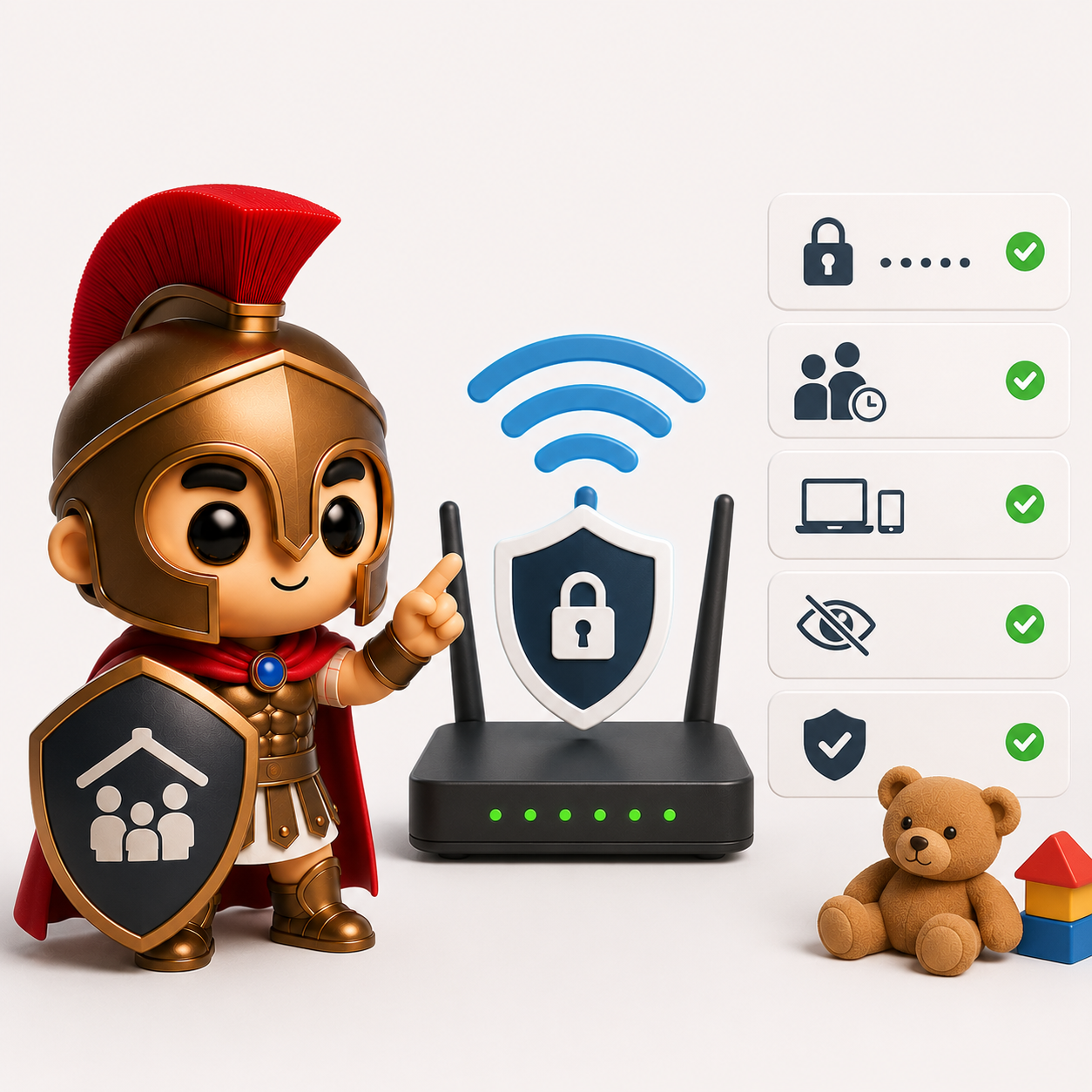
How to Childproof Your Home Wi-Fi Network
Discover practical ways to make your home Wi-Fi safer for children, from parental controls and content filtering to device management and online safety tips.
The internet offers incredible opportunities for learning, creativity, and entertainment. However, it also exposes children to content, people, and risks that many parents would rather avoid.
While most parents focus on supervising devices such as tablets, phones, gaming consoles, and laptops, many overlook one of the most important parts of online safety: the home Wi-Fi network.
A properly configured Wi-Fi network can help reduce exposure to inappropriate content, limit screen time, and improve overall online safety for the entire family.
The good news is that childproofing your home Wi-Fi doesn’t require advanced technical knowledge.
Why Your Home Network Matters
Every device connected to your internet connection passes through your home network.
That includes:
- Smartphones
- Tablets
- Laptops
- Smart TVs
- Gaming consoles
- Smart speakers
- Streaming devices
By managing your Wi-Fi network, you can apply safety measures across multiple devices rather than trying to configure each one individually.
This creates a stronger first line of defence for your family.
Start With a Secure Router
Before setting up parental controls, make sure your router is properly secured.
Many home routers still use default settings that leave them vulnerable.
Check the following:
Change the Default Admin Password
Many routers are installed with default login credentials.
If these haven’t been changed, anyone who knows the manufacturer’s default settings could potentially access your network.
Create a strong, unique password for your router’s administration panel.
Update the Firmware
Router manufacturers regularly release updates that fix security vulnerabilities and improve performance.
Unfortunately, many homeowners never install them.
Check your router’s settings and ensure firmware updates are enabled where possible.
Use Modern Wi-Fi Security
Your network should be using:
- WPA3 security (preferred)
- WPA2 security (if WPA3 is unavailable)
Avoid older standards such as WEP, which are no longer considered secure.
Enable Parental Controls
Many modern routers include built-in parental control features.
These often allow you to:
- Block inappropriate websites
- Restrict specific categories of content
- Limit internet access during certain hours
- Pause internet access for selected devices
- Monitor connected devices
While parental controls are not perfect, they can significantly reduce accidental exposure to harmful content.
Create Profiles for Children
If your router supports user or device profiles, create separate profiles for your children’s devices.
This allows you to:
- Apply age-appropriate filtering
- Set different restrictions for different children
- Manage screen time more effectively
- Review activity if necessary
For example, a primary-school-aged child may require stricter controls than a teenager.
Set Internet Time Limits
One of the most useful features of modern parental controls is scheduling.
You can automatically:
- Disable internet access during bedtime
- Restrict access during homework hours
- Limit gaming during school nights
- Pause devices during family meals
Automated schedules help reduce arguments and create consistent boundaries.
Instead of saying:
“I’m turning off the Wi-Fi.”
you can simply explain that the schedule is already in place.
Use Family-Friendly DNS Filtering
DNS filtering can block access to known harmful or inappropriate websites before they even load.
Family-friendly DNS services can help filter:
- Adult content
- Gambling sites
- Malicious websites
- Known phishing pages
This adds an extra layer of protection that works alongside parental controls.
It’s important to remember that no filtering system catches everything, but it can significantly reduce risk.
Secure Smart Devices
Many families focus on phones and tablets while forgetting about smart devices.
Children increasingly access online content through:
- Smart TVs
- Streaming sticks
- Gaming consoles
- Voice assistants
- Smart displays
Review parental controls on these devices as well.
Many platforms offer content ratings, purchase restrictions, and viewing controls.
Monitor New Devices
Most routers allow you to see which devices are connected.
Review the list periodically.
If you notice a device you don’t recognise, investigate immediately.
This also helps parents identify when children connect new devices without permission.
Separate Smart Home Devices
Many modern homes contain dozens of connected devices.
These may include:
- Smart bulbs
- Security cameras
- Smart speakers
- Doorbells
- Appliances
Consider placing smart home devices on a separate guest network if your router supports it.
This improves security and reduces the risk of compromised devices affecting other parts of your network.
Talk to Your Children About Online Safety
Technology alone is not enough.
Even the best parental controls cannot replace open conversations about internet safety.
Children should understand:
- Not to share personal information online
- How to recognise suspicious messages
- Why privacy matters
- What to do if something online makes them uncomfortable
- The risks of speaking with strangers online
Creating an environment where children feel comfortable discussing online experiences is one of the most effective safety measures available.
Common Mistakes Parents Make
Relying Only on Device Controls
Device-level controls are useful but can often be bypassed if network-level protections are not in place.
A combination of both provides better protection.
Using the Same Password for Everything
Your Wi-Fi password should be strong and unique.
Avoid using passwords that children can easily guess.
Ignoring Gaming Consoles
Many parents focus on phones and tablets while overlooking consoles that provide web access, messaging, voice chat, and online gaming.
Never Reviewing Settings
Children grow quickly, and online habits change.
Review parental control settings regularly to ensure they remain appropriate.
Assuming Filtering Is Perfect
No filtering solution catches everything.
Parental controls should support supervision and education, not replace them.
Signs Your Home Network May Need Improving
You may want to review your Wi-Fi setup if:
- Children can access inappropriate content
- Devices are connected that you don’t recognise
- Your router hasn’t been updated in years
- You don’t know the router administrator password
- There are no parental controls enabled
- Wi-Fi passwords are shared freely with visitors
- Children have unrestricted access at all hours
A simple review can often identify opportunities to improve both safety and security.
Building a Safer Digital Home
Childproofing your Wi-Fi network isn’t about spying on your children or removing all freedom online.
It’s about creating sensible safeguards that help them explore the internet safely while reducing unnecessary risks.
A combination of secure router settings, parental controls, content filtering, device management, and ongoing conversations provides the strongest protection.
Final Thoughts
The internet is an essential part of modern family life, but it should be approached with the same care as any other part of home safety.
Just as parents childproof cupboards, staircases, and electrical sockets, it’s worth taking time to childproof the digital environment too.
At Spartan IT Systems, we help families improve home network security, optimise Wi-Fi performance, secure smart devices, and implement practical parental control solutions. If you’re unsure whether your home network is providing the protection your family needs, we’re happy to help assess your setup and recommend improvements.