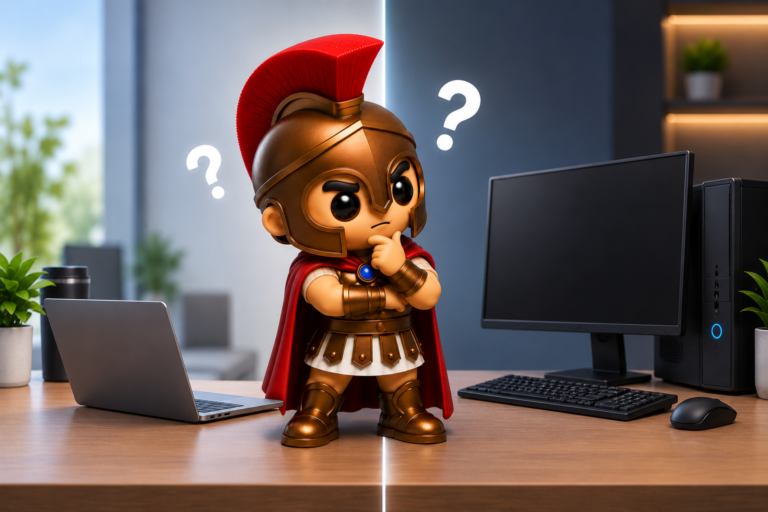
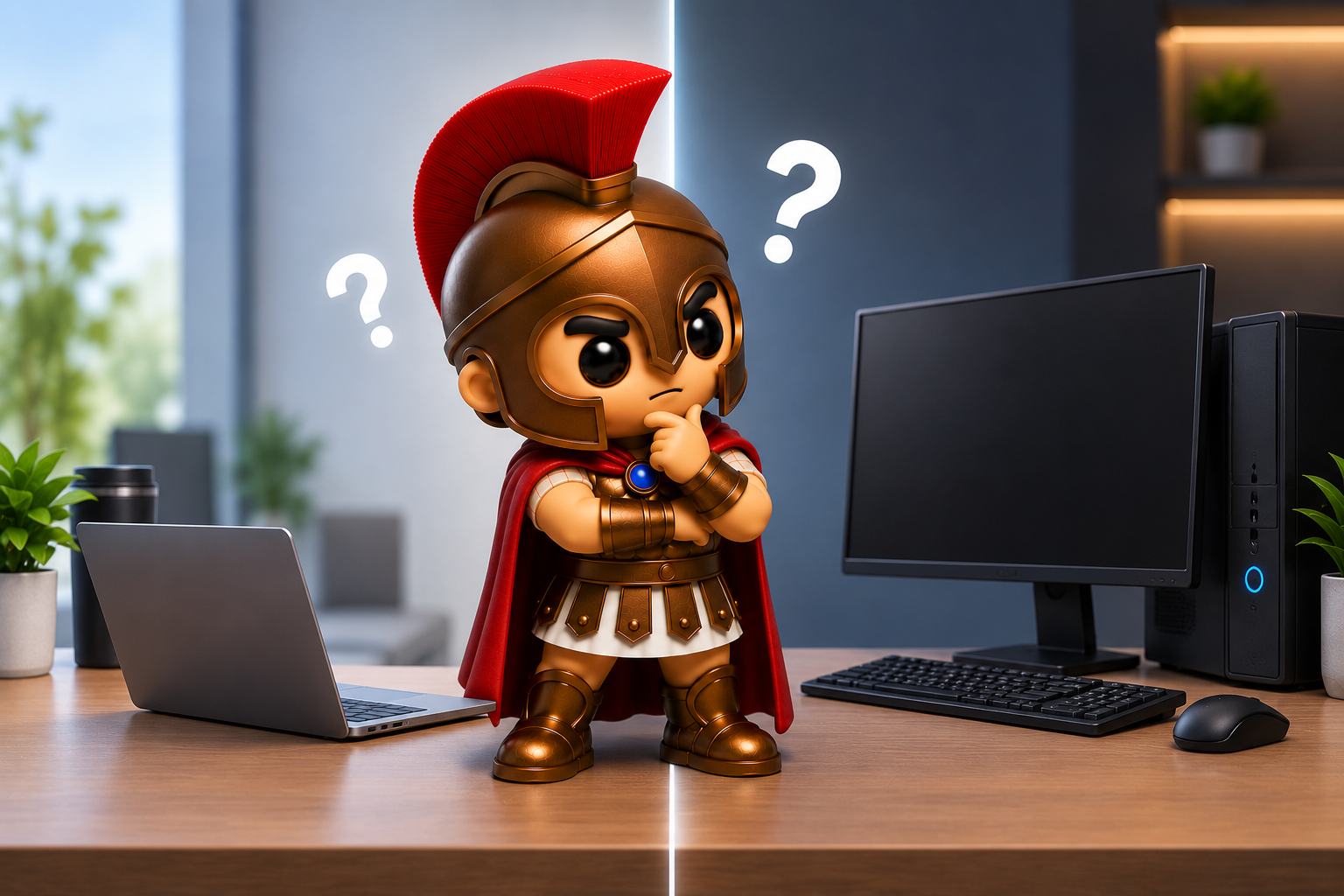
Choosing computers for your business might seem straightforward. After all, you need something that lets your team work efficiently. But when it comes to choosing between laptops and desktop PCs, there isn’t a one-size-fits-all answer.
Both have their advantages, and the right choice depends on how your employees work, the software they use, your office setup and whether they need to work away from their desks.
So, which is better for business — a laptop or a desktop?
Let’s compare the two.
Laptops: Flexible and Easy to Take Anywhere
Laptops have become increasingly popular in businesses because they offer something a desktop can’t: mobility.
An employee can use the same computer at their desk, in a meeting room, at home or while visiting a customer.
The advantages of business laptops
Mobility
This is the biggest benefit. If your employees work from multiple locations, a laptop means they don’t need separate computers for the office and home.
Ideal for hybrid working
If your business offers hybrid or remote working, laptops make it much easier for employees to take their usual setup with them.
Space saving
A laptop takes up considerably less desk space than a desktop PC, monitor, keyboard and mouse.
Built-in battery
Power cuts or accidentally unplugged cables are less likely to immediately interrupt work because the laptop can continue running on battery power.
Easy to move around the office
If employees regularly move between meeting rooms or hot desks, laptops are considerably more convenient.
The disadvantages of laptops
Laptops aren’t perfect, however.
Their compact design means there is less room for cooling and components, which can make them more difficult to repair or upgrade.
Some components, such as memory or storage, may also be difficult or impossible to upgrade depending on the model.
They’re also easier to damage. A desktop generally stays safely on a desk, whereas a laptop can be dropped, knocked or have a drink spilled over it.
And if the screen, keyboard or charging port fails, repairs can sometimes be more complicated than with a desktop PC.
Desktop PCs: Power, Value and Upgradability
Desktop computers have been a staple of offices for decades, and there’s a good reason for that.
When portability isn’t important, a desktop can offer excellent performance for the money.
The advantages of desktop computers
More performance for your budget
For the same budget, you can often get a desktop with more powerful hardware than an equivalent laptop.
This can be particularly useful for demanding applications such as graphic design, video editing, CAD, engineering software or data processing.
Easier to upgrade
Desktop PCs generally provide considerably more flexibility when it comes to upgrades.
You may be able to add more RAM, install additional storage, replace the graphics card or upgrade other components as your business needs change.
Better cooling
Desktops have more room for larger cooling systems, which can help them maintain performance during demanding workloads.
Comfortable fixed workstation
For employees who spend most of their day at the same desk, a desktop paired with a good monitor, keyboard and mouse can provide a comfortable working environment.
Potentially longer useful life
Because desktops are easier to repair and upgrade, you may be able to extend their useful life rather than replacing the entire computer when one component becomes outdated.
The disadvantages of desktops
The obvious downside is lack of portability.
A desktop isn’t practical for an employee who regularly works from home, travels between offices or visits customers.
It also requires more equipment: typically a monitor, keyboard, mouse and potentially a webcam and speakers.
That means more components to purchase, install and maintain.
Laptop vs Desktop: At a Glance
| Feature | Laptop | Desktop |
|---|---|---|
| Portability | ⭐⭐⭐⭐⭐ | ⭐ |
| Performance for the price | ⭐⭐⭐ | ⭐⭐⭐⭐⭐ |
| Upgradability | ⭐⭐ | ⭐⭐⭐⭐⭐ |
| Space required | ⭐⭐⭐⭐⭐ | ⭐⭐⭐ |
| Hybrid working | ⭐⭐⭐⭐⭐ | ⭐ |
| Ease of repair | ⭐⭐⭐ | ⭐⭐⭐⭐⭐ |
| Multi-monitor setups | ⭐⭐⭐⭐ | ⭐⭐⭐⭐⭐ |
| Battery backup | ⭐⭐⭐⭐⭐ | ⭐ |
| Fixed office workstation | ⭐⭐⭐⭐ | ⭐⭐⭐⭐⭐ |
| Long-term flexibility | ⭐⭐⭐ | ⭐⭐⭐⭐⭐ |
Neither option wins every category. The important question is which features matter most to your business.
Consider What Your Employees Actually Do
One of the biggest mistakes businesses make is giving everyone the same computer simply because it’s easier to manage.
Instead, think about the role.
Office-based administrators
If someone works from the same desk every day and mainly uses Microsoft 365, web applications, email and business software, a desktop could be an excellent choice.
A laptop would still work perfectly well, but you may be paying extra for portability that the employee doesn’t need.
Sales teams
For sales staff who visit customers, attend meetings or work from different locations, a laptop is usually the obvious choice.
Being able to take customer information, presentations and business applications with them can make a significant difference.
Hybrid workers
If employees regularly work from home, laptops generally make life much easier.
Rather than having two computers and trying to keep files and applications synchronised between them, employees can simply take their business laptop home.
Creative and technical roles
Employees working with demanding applications may benefit from a powerful desktop workstation.
Video editing, 3D modelling, CAD, large databases and other intensive workloads can benefit from the additional cooling, upgradeability and performance available from a desktop.
Reception and shared workstations
A desktop can make sense for fixed locations such as reception desks, warehouse offices or shared administrative stations where portability isn’t required.
Don’t Forget the Monitor
If you choose laptops for your business, you don’t necessarily have to sacrifice the comfort of a desktop workstation.
A laptop can be connected to a docking station and external monitor, giving employees a full-sized workstation when they’re in the office.
They can then disconnect the laptop and take it home when necessary.
For many businesses, this provides the best of both worlds.
A typical setup could include:
- Business laptop
- USB-C docking station
- One or two external monitors
- Full-size keyboard and mouse
- Laptop stand
- Wired network connection where appropriate
When the employee needs to leave, they simply disconnect the laptop and go.
Think About Security Too
Your choice of computer can also affect your business’s security.
Laptops are more likely to leave the office, which means there is a greater risk of them being lost or stolen.
Businesses should therefore consider features such as:
- Full-disk encryption
- Strong login protection
- Multi-factor authentication
- Automatic screen locking
- Remote management
- Remote device wiping where appropriate
- Regular backups
- Up-to-date security software
A stolen laptop shouldn’t automatically mean that someone can access your company’s data.
Security should be considered when selecting the computer, not added as an afterthought.
What About Cost?
The cheapest computer isn’t necessarily the cheapest option in the long run.
When comparing laptops and desktops, consider the total cost of ownership.
This can include:
- Hardware
- Monitors
- Docking stations
- Accessories
- Software licences
- Warranty and support
- Repairs
- Upgrades
- Replacement costs
- Time spent dealing with computer problems
A slightly more expensive business-class laptop may be a better investment than a cheap consumer laptop that needs replacing after a couple of years.
Likewise, a good-quality desktop that can be upgraded may provide better long-term value than repeatedly replacing an underpowered machine.
Should Your Business Choose One or the Other?
Not necessarily.
In many businesses, the best solution is actually a combination of laptops and desktops.
For example:
Laptops for:
- Directors and managers
- Sales staff
- Hybrid workers
- Employees who travel
- Employees who regularly work from different locations
Desktops for:
- Fixed office workers
- Reception desks
- Workstations requiring high performance
- Employees using specialist software
- Shared workstations
There’s no reason every employee needs identical hardware.
Your IT setup should support how your employees actually work.
Don’t Buy More Power Than You Need
It’s also important not to fall into the trap of assuming that the most expensive computer is automatically the best choice.
A member of staff who primarily uses email, Microsoft 365, web applications and video calls probably doesn’t need a high-end workstation.
On the other hand, giving a designer, engineer or video editor a basic office laptop could result in slow performance and frustrated employees.
The goal is to find the right specification for the job.
That means considering:
- Processor
- RAM
- Storage
- Screen size and quality
- Graphics requirements
- Battery life
- Connectivity
- Warranty
- Upgrade options
- Business security features
Getting this right before purchasing can save your business money.
So, Which Is Better?
The answer is simple: it depends on your business.
If flexibility, hybrid working and portability are important, laptops are likely to be the better choice.
If employees are permanently office-based and need maximum performance, upgradeability and value for money, desktops can be an excellent option.
And for many businesses, a mixture of both is the ideal solution.
The most important thing is not simply choosing between a laptop and a desktop — it’s choosing the right computer for each employee’s role.
Need Help Choosing Business Computers?
Buying several computers for your business can quickly become expensive, and choosing the wrong specification can leave you with hardware that doesn’t meet your team’s needs.
At Spartan IT Systems, we can help you assess what your business actually needs, recommend suitable hardware and make sure your new computers are configured securely and ready for work.
Whether you’re replacing one ageing PC or upgrading an entire office, getting the right advice before you buy can save you both time and money.
Need help choosing the right computers for your business? Get in touch with Spartan IT Systems — your local IT support team for businesses across Suffolk.