You’ve probably heard the phrase “cloud computing” countless times.
Your emails are in the cloud. Your files might be in the cloud. Your business applications could be running in the cloud. Even your phone is probably using cloud services every day.
But what actually is the cloud?
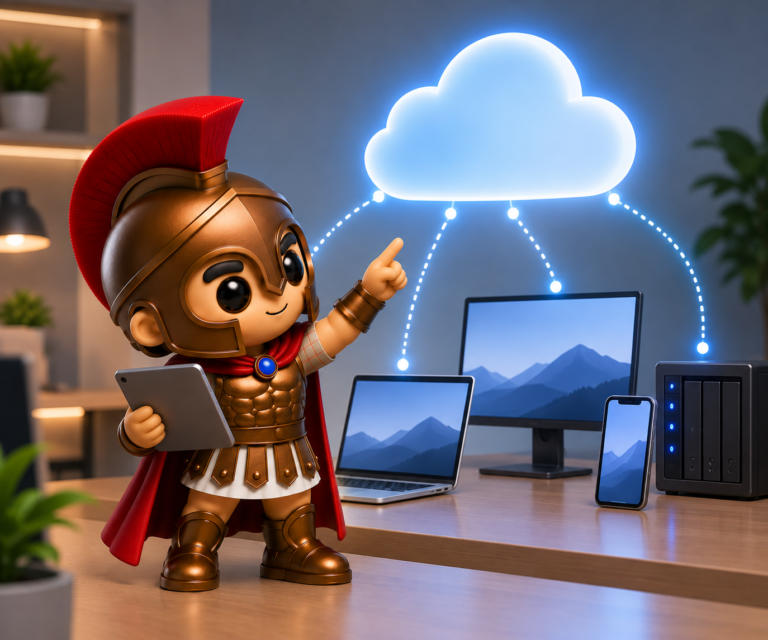
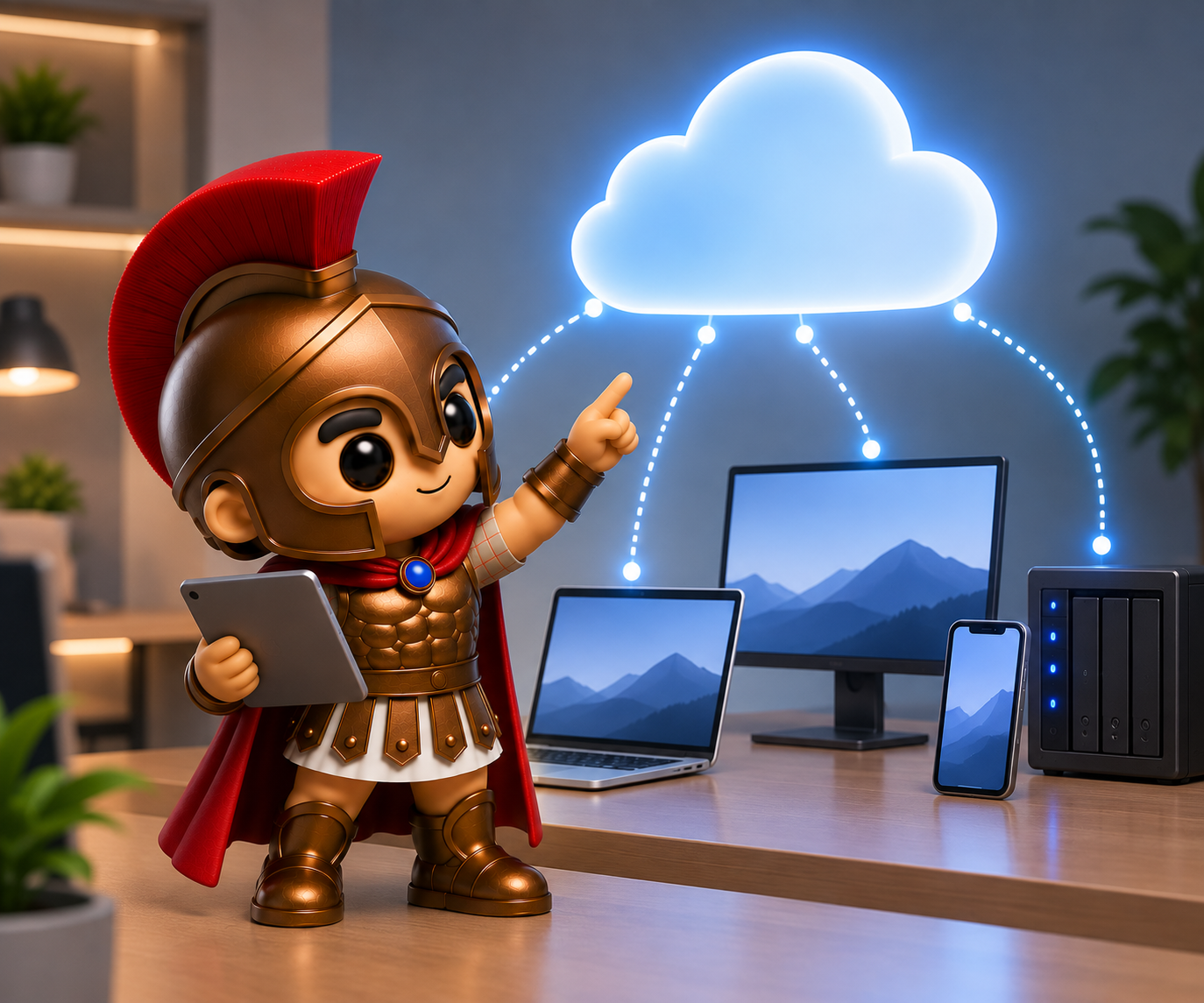
Despite the name, your files aren’t floating around somewhere in the sky. Cloud computing simply means using computing resources and services over the internet, rather than relying entirely on hardware and software located on your own computer or in your office.
Let’s take a look at what that means in practice.
So, What Exactly Is the Cloud?
At its simplest, the cloud is a network of computers and servers located in data centres around the world.
These servers provide services such as:
- File storage
- Software applications
- Websites
- Databases
- Backup
- Computing power
- Virtual machines
- Security services
Instead of your business having to purchase and maintain all the necessary hardware itself, you can access many of these resources through an internet connection.
For example, when you save a document to a cloud storage service, the file isn’t necessarily stored on your laptop.
Instead, it is uploaded to servers operated by the cloud provider. You can then access it from another authorised device.
That’s one of the reasons cloud computing has become so useful for modern businesses.
How Does Cloud Computing Actually Work?
Let’s use a simple example.
Imagine you have a Microsoft 365 account for your business.
You open your laptop and sign into Outlook to check your email.
Your laptop isn’t hosting the entire email system.
Instead, your device connects over the internet to Microsoft’s infrastructure. Microsoft’s servers process your account, store your messages and provide the services you’re using.
Your laptop is essentially providing the interface that allows you to interact with those services.
The process looks something like this:
Your computer → Internet → Cloud provider’s servers → Internet → Your computer
The same basic principle applies to many cloud services.
You might use a web browser to access an application, upload a file to cloud storage or connect to a business system hosted remotely.
The complicated hardware and infrastructure behind the service is largely managed by the provider.
Where Is the Cloud?
This is one of the most common questions about cloud computing.
The cloud isn’t one giant computer.
Cloud providers operate large data centres containing thousands of servers and other networking equipment.
These facilities are designed to provide reliable computing services and are supported by things such as:
- Multiple internet connections
- Backup power
- Cooling systems
- Physical security
- Network security
- Redundant hardware
- Monitoring systems
- Data replication
When you use a cloud service, your data or application may be processed or stored across infrastructure in one or more data centres.
You don’t necessarily need to know exactly which physical server is handling your request.
The cloud provider manages that complexity behind the scenes.
Why Do Businesses Use Cloud Computing?
Cloud computing can offer businesses considerable flexibility.
1. Access From Almost Anywhere
One of the biggest advantages is accessibility.
If your applications and files are cloud-based, employees can potentially access them from the office, home or while travelling — provided they have an appropriate internet connection and the necessary permissions.
This can make cloud services particularly useful for hybrid working.
2. Less Hardware to Manage
Traditionally, businesses might have needed their own physical servers to run applications and store data.
Cloud services can reduce the amount of infrastructure a business needs to purchase and maintain itself.
That doesn’t mean businesses no longer need IT hardware — but they may need considerably less of it.
3. Easier to Scale
Imagine your business grows from five employees to fifty.
With traditional infrastructure, you may need to purchase additional servers, storage and networking equipment.
Cloud services can often make scaling much easier.
You may be able to increase storage, add user accounts or increase computing resources without purchasing physical hardware for every change.
4. Automatic Updates
Many cloud applications are maintained by the provider.
This means you don’t necessarily have to manually install every update or upgrade the underlying server infrastructure yourself.
For businesses, this can reduce some of the maintenance involved in keeping systems current.
5. Collaboration
Cloud services can make collaboration much easier.
Multiple authorised employees can work with shared documents, calendars and other resources without having to email files backwards and forwards.
For example, cloud-based collaboration tools can allow employees in different locations to work on the same document.
What Are Some Everyday Examples of Cloud Computing?
You probably already use cloud computing without thinking about it.
Examples include:
Services such as Microsoft 365 and Google Workspace store and process email using cloud infrastructure.
Cloud storage
Services such as OneDrive, SharePoint, Dropbox and similar platforms allow files to be stored remotely and accessed from multiple devices.
Video conferencing
Applications such as Microsoft Teams and Zoom rely heavily on cloud infrastructure to connect users.
Online accounting
Many modern accounting systems are delivered through the cloud, allowing businesses to access their accounts through a browser or application.
Streaming services
Netflix, Spotify and similar services use extensive cloud and data-centre infrastructure to deliver content to users.
In other words, cloud computing isn’t some futuristic technology. It’s already part of everyday life.
Is Cloud Computing the Same as Storing Files Online?
Not quite.
Cloud storage is one type of cloud computing, but cloud computing is much broader.
Think of it this way:
Cloud storage:
“I’m storing my files on someone else’s servers.”
Cloud computing:
“I’m using someone else’s computing infrastructure and services over the internet.”
Cloud computing can involve storage, processing power, databases, applications, networking and much more.
What Are the Different Types of Cloud Services?
You may also come across terms such as IaaS, PaaS and SaaS.
Don’t worry — they sound more complicated than they are.
SaaS – Software as a Service
This is probably the type you’ll encounter most often.
Instead of purchasing and installing software on your own server, you access it as an online service.
Examples include cloud-based email, accounting platforms and collaboration software.
You generally pay a subscription and the provider manages much of the underlying infrastructure.
IaaS – Infrastructure as a Service
This provides virtualised computing resources such as servers, storage and networking.
Instead of buying a physical server, a business can rent computing infrastructure from a cloud provider.
This provides considerably more control but also requires more technical knowledge.
PaaS – Platform as a Service
This sits somewhere between the two.
It provides developers with an environment for building and running applications without requiring them to manage all of the underlying infrastructure themselves.
For most small businesses, SaaS is likely to be the cloud model they interact with most frequently.
Does Moving to the Cloud Mean You Don’t Need IT Support?
Absolutely not.
This is a common misconception.
Cloud computing removes some of the physical infrastructure from your office, but it doesn’t remove the need for good IT management.
Businesses still need to think about:
- User permissions
- Passwords and authentication
- Multi-factor authentication
- Data protection
- Backups
- Cybersecurity
- Device management
- Software configuration
- Employee training
- Access when employees leave
- Internet connectivity
- Licensing
In fact, moving services to the cloud can introduce new things that need to be managed.
For example, giving an employee access to a cloud application may only take a few minutes. But making sure that access is removed when they leave the company is equally important.
What Happens If the Internet Goes Down?
This is one of the downsides of relying heavily on cloud services.
If your internet connection fails, access to cloud-based systems may be disrupted.
That’s why businesses should consider their internet connection as part of their IT infrastructure.
Depending on how critical your cloud services are, you may want to consider:
- A reliable business broadband connection
- A backup internet connection
- 4G or 5G failover
- Appropriate offline capabilities
- Local copies or backups of important information
A cloud-first business still needs a plan for connectivity problems.
Is the Cloud Secure?
Cloud services can provide excellent security, but “it’s in the cloud” doesn’t automatically mean “it’s secure.”
Security depends on both the cloud provider and how your business configures and uses the service.
For example, a highly secure cloud platform can still be compromised if an employee’s account is protected by a weak password and no additional authentication.
Businesses should consider:
- Multi-factor authentication
- Strong passwords or passkeys
- Appropriate user permissions
- Encryption
- Regular backups
- Security monitoring
- Device security
- Staff awareness training
The cloud provider secures the infrastructure they operate, but your business is still responsible for using the service securely.
Cloud Computing Doesn’t Have to Mean “Everything in the Cloud”
Another misconception is that moving to the cloud means getting rid of every server and piece of hardware in your business.
That’s not necessarily the case.
Some businesses use a hybrid approach, combining cloud services with local infrastructure.
For example, a business might use:
- Microsoft 365 for email and collaboration
- Cloud backup
- A local NAS for fast file access
- A local server for specialist applications
- Cloud-based security services
The best setup depends on what your business needs.
Is Cloud Computing Right for Your Business?
For many businesses, cloud computing can provide greater flexibility, easier collaboration and reduced reliance on physical infrastructure.
But moving everything to the cloud simply because it’s fashionable isn’t necessarily the right approach.
Before making changes, consider:
- What systems do you currently use?
- Which applications could move to the cloud?
- How reliable is your internet connection?
- How sensitive is your data?
- What security controls are in place?
- What would happen if a cloud service became unavailable?
- How much will subscriptions cost over several years?
- Do you still need local storage or servers?
A good cloud strategy should be based on your business requirements, not simply the latest technology trend.
The Cloud Is Really Someone Else’s Computer — But It’s More Complicated Than That!
You may have heard the joke:
“The cloud is just someone else’s computer.”
There’s a grain of truth in it.
At a basic level, you’re accessing computing resources that are physically located somewhere else.
But modern cloud platforms are much more sophisticated than simply renting space on a computer. They provide scalable infrastructure, redundancy, security controls, automated systems and a huge range of services that would be difficult and expensive for many small businesses to build themselves.
The important thing is understanding what you’re using, where your data is going and how it is being protected.
Need Help With Your Business’s Cloud Setup?
Whether you’re considering moving away from an old server, reviewing your Microsoft 365 setup or simply trying to understand what cloud computing could do for your business, getting the right advice can make the process much easier.
At Spartan IT Systems, we help businesses across Suffolk make practical decisions about their IT — including cloud services, Microsoft 365, backups, cybersecurity and business infrastructure.
You don’t need to understand how every server in a data centre works. That’s what your IT support team is for.
Thinking about moving your business to the cloud? Get in touch with Spartan IT Systems and we’ll help you work out what makes sense for your business.